 Triathlon Race Day Checklist
Race day starts before you forget your goggles.
Triathlon Race Day Checklist keeps your swim, bike, and run gear in one place, shows you the course before you arrive, and gives you the venue forecast. Everything stays on your phone.

7-day free trial, then $3.99/mo or $19.99/yr.
See pricing and the 7-day free trial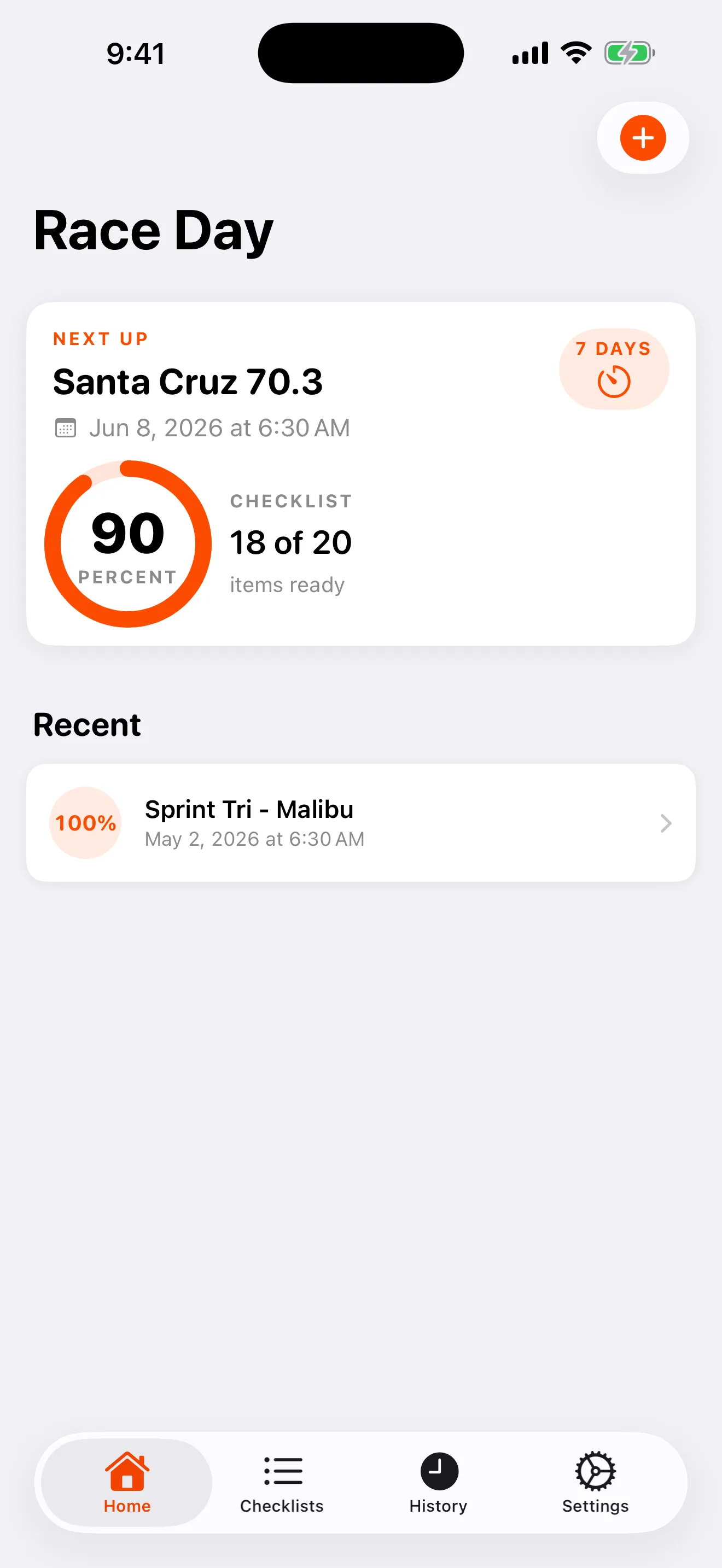
The wetsuit is in the car. The timing chip is on the kitchen counter.
Triathlon gear lives in three piles: swim, bike, run. Add transition bags, nutrition, body glide, and a race-morning alarm at 4 a.m., and something always gets left behind. A scribbled note or a generic to-do app does not know the difference between a sprint and a 70.3. You end up packing from memory, which is exactly how the goggles get forgotten.
Bring your own course, see it on a map.
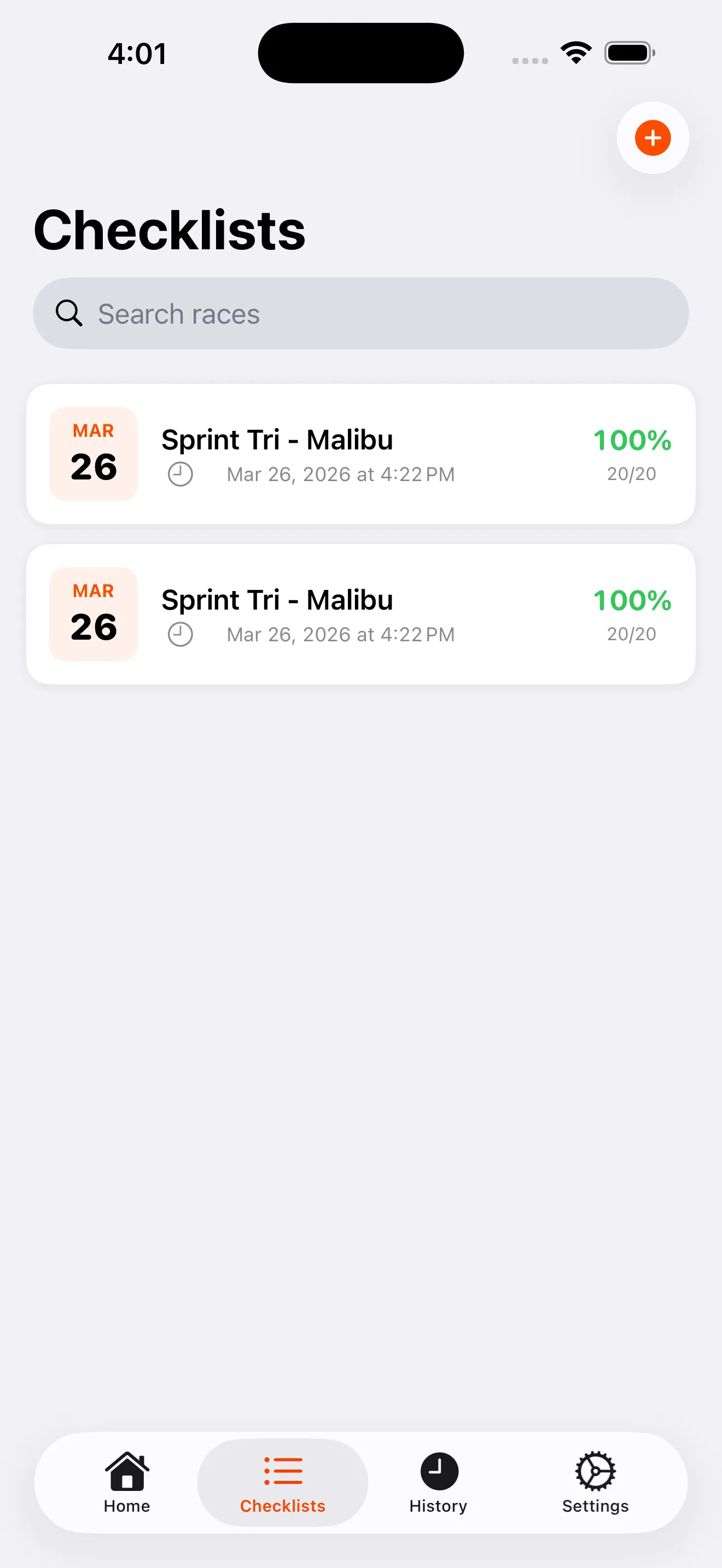
Import a .gpx file from Garmin Connect, Strava, or the race organizer. The swim, bike, and run routes show up color-coded on a map, with elevation profiles and total gain and loss. You know the climbs before you ride them.
You bring the file. The app does not ship pre-loaded courses.
Nail the list once. Reuse it every season.
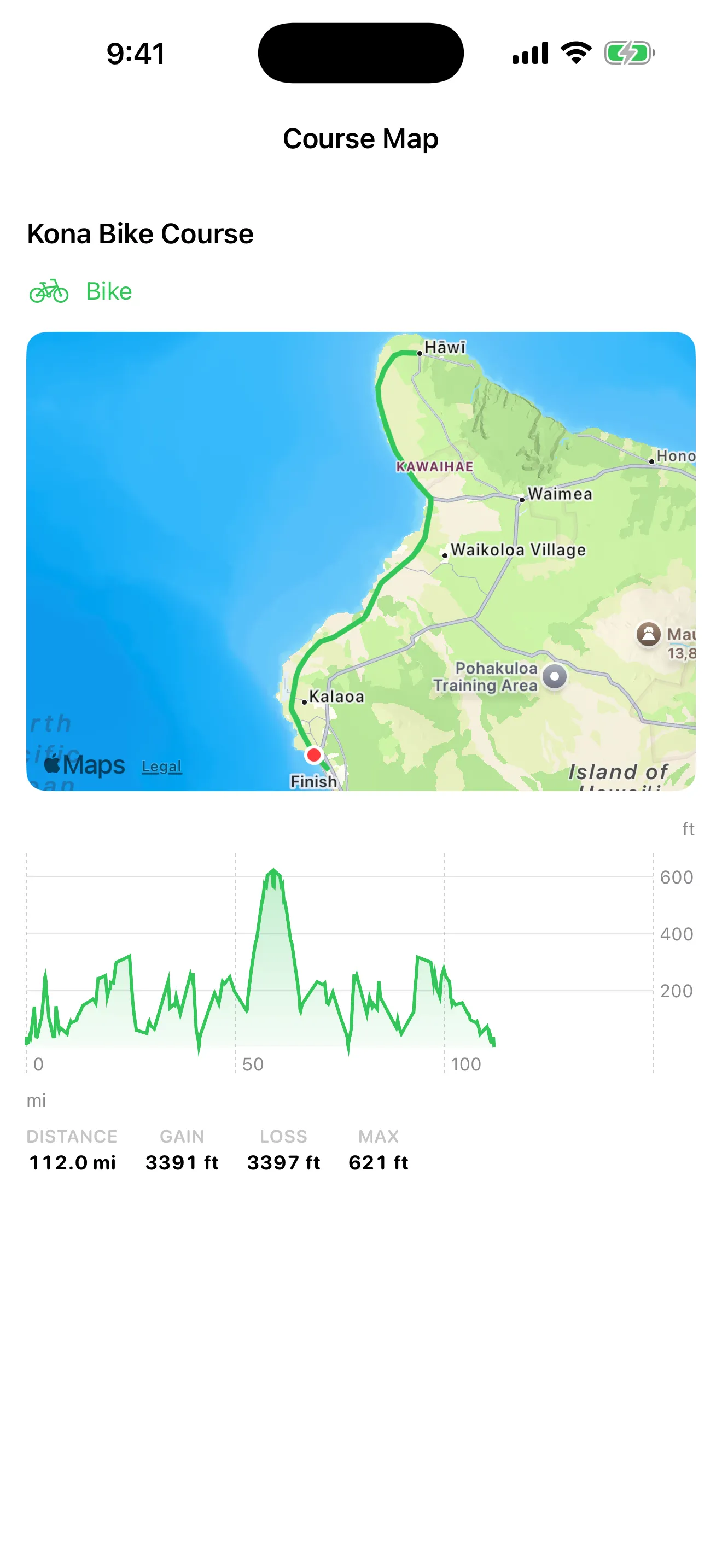
What you pack for a 70.3 is not what you pack for a sprint. A cold-water ocean swim is not a warm-river swim. A hot, dry race is not a cold, wet one. Build the right list for each of those once, save it as a template, and reuse it next year or for any similar race. Your proven setup becomes the starting point, not a blank page you rebuild every time.
Everything for race day, in one place.
-
Checklists built for the three disciplines
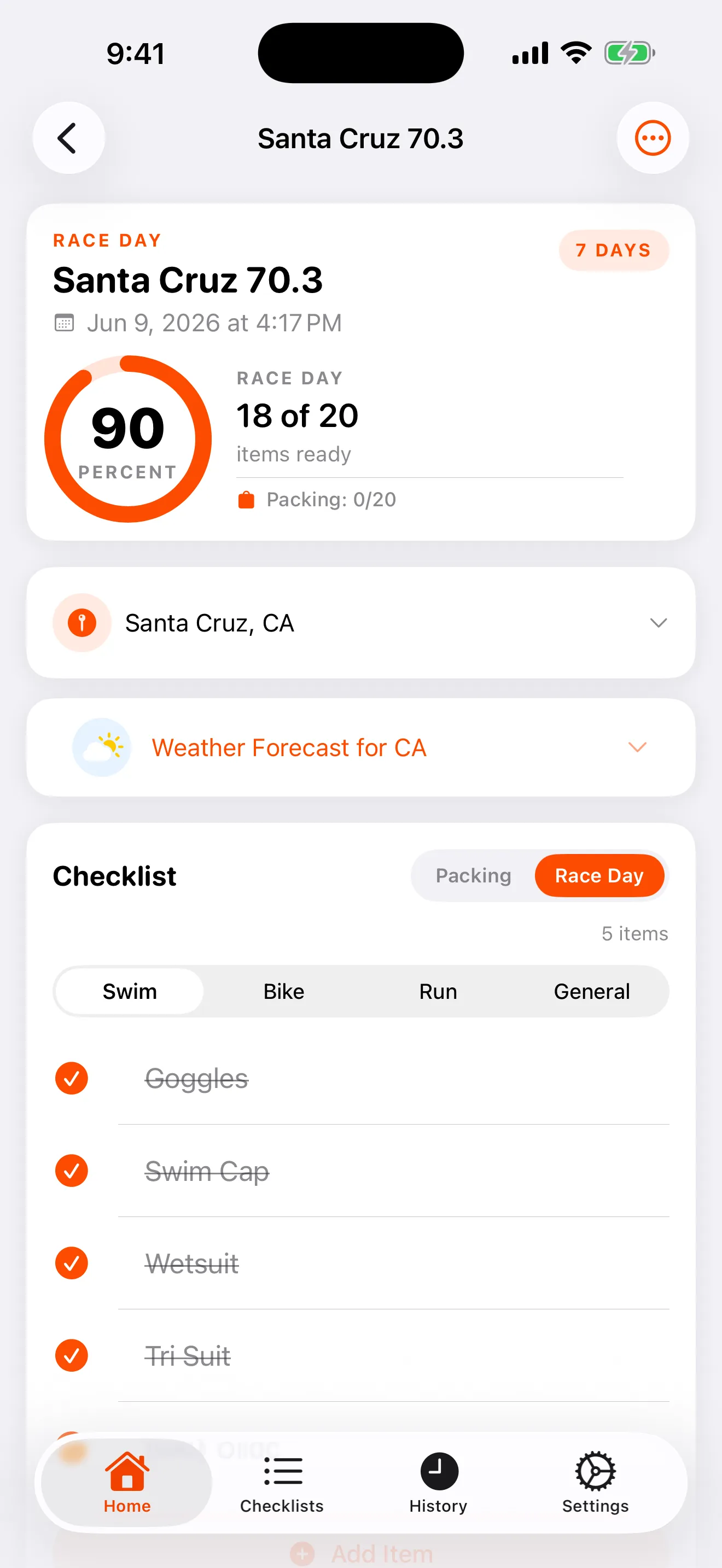
Your list is organized by swim, bike, run, and general. Start from a smart default, then add or remove items for your race. Nothing generic, nothing missed.
-
A packing list and a race-day list, tracked separately
Pack the night before with one list. Check off gear on race morning with another. Each tracks its own progress, so the packing checklist does not reset what you already laid out in transition.
-
The venue forecast, five days out
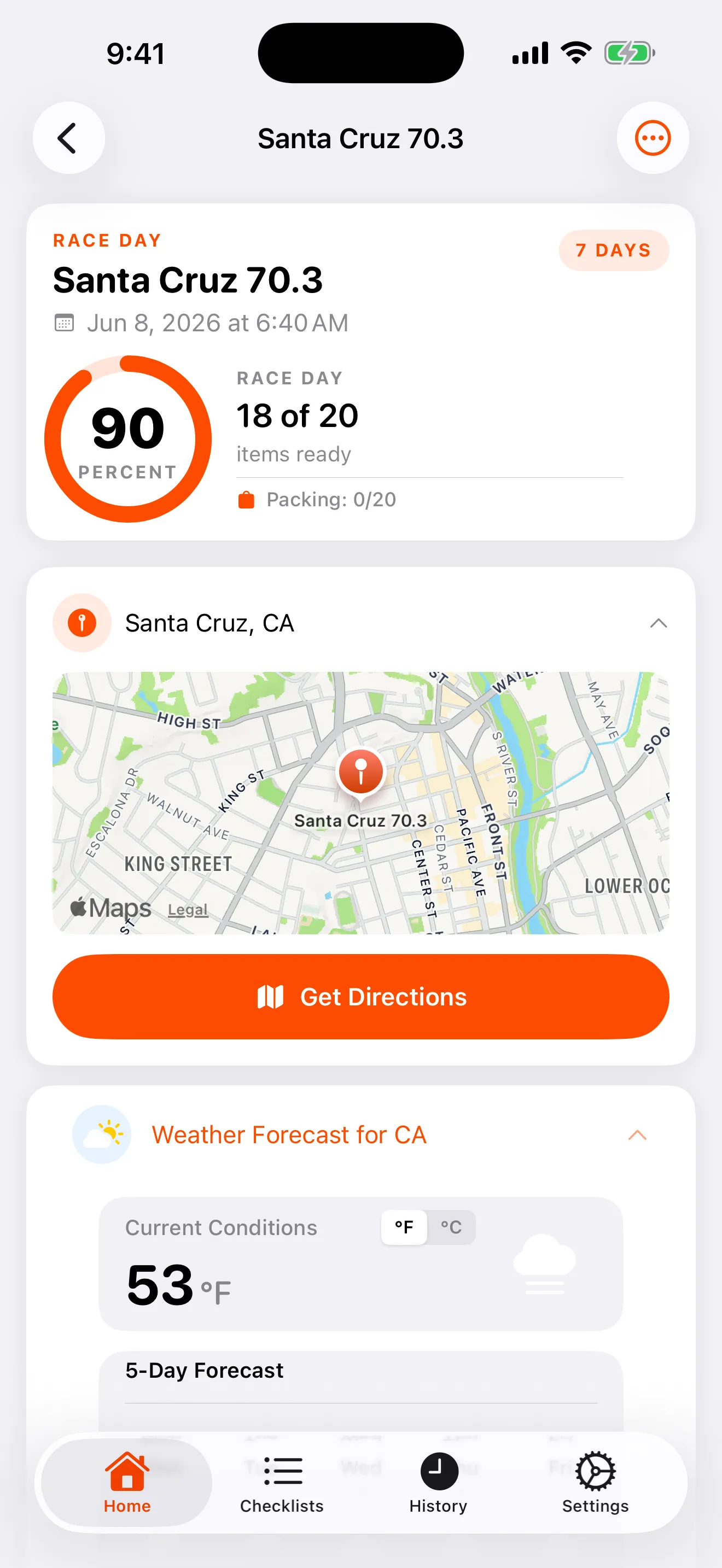
Set your race location and get a 5-day forecast plus current conditions for the venue. Toggle between Celsius and Fahrenheit. You decide on the wetsuit and the arm warmers before you pack.
-
Your season, logged
Record finish times and every split: swim, T1, bike, T2, run, and total. Attach photos. Your race history becomes a logbook you actually keep.
-
Reminders that fire before the gun
Schedule a local reminder for the night before or race morning. The notification arrives on your phone. No account login required to get the nudge.
-
Every race file in one place
Attach the athlete guide PDF, the parking map, course images, and GPX files to a race, and open them inline. Everything for one event sits in one screen, stored on your device.
Your race data stays on your device. No tracking. No ads.
Your checklists, race times, notes, files, venue locations, and photos live only on your phone. They are never uploaded to a server. The app uses no third-party analytics, runs no advertising, and does not track you across other apps. The one thing that syncs is your account profile so you can sign in. When you check the weather, the app sends only the venue's coordinates to the forecast provider, nothing about you.
- Race data is local-only. It is included in your device backup, not in anyone's cloud.
- No analytics, no advertising identifier, no cross-app tracking. None of it.
- Delete your account in the app to remove your cloud profile and erase local data.
Three steps to a race you packed right.
-
Add your race
Create a race, set the venue, and pick your distance. The app builds a starting checklist organized by discipline.
-
Load the course and the forecast
Import your GPX file to see the route and elevation. Set the location to pull the 5-day venue forecast. Attach your athlete guide and parking map.
-
Pack, check, race
Work the packing list the night before. Check off gear on race morning. Log your splits and photos when you cross the line.
Pack like you have done it a hundred times.
Get your gear, your course, and your forecast in one app, before your next start line.
Download on the App Store