 Triathlon Race Day Checklist
Built for the parts of race day you cannot afford to forget.
Triathlon Race Day Checklist is a race-prep tool, not a training app. It does the unglamorous work: getting your gear right, getting the course in your head, and getting the forecast before you decide what to wear. Here is what it does.
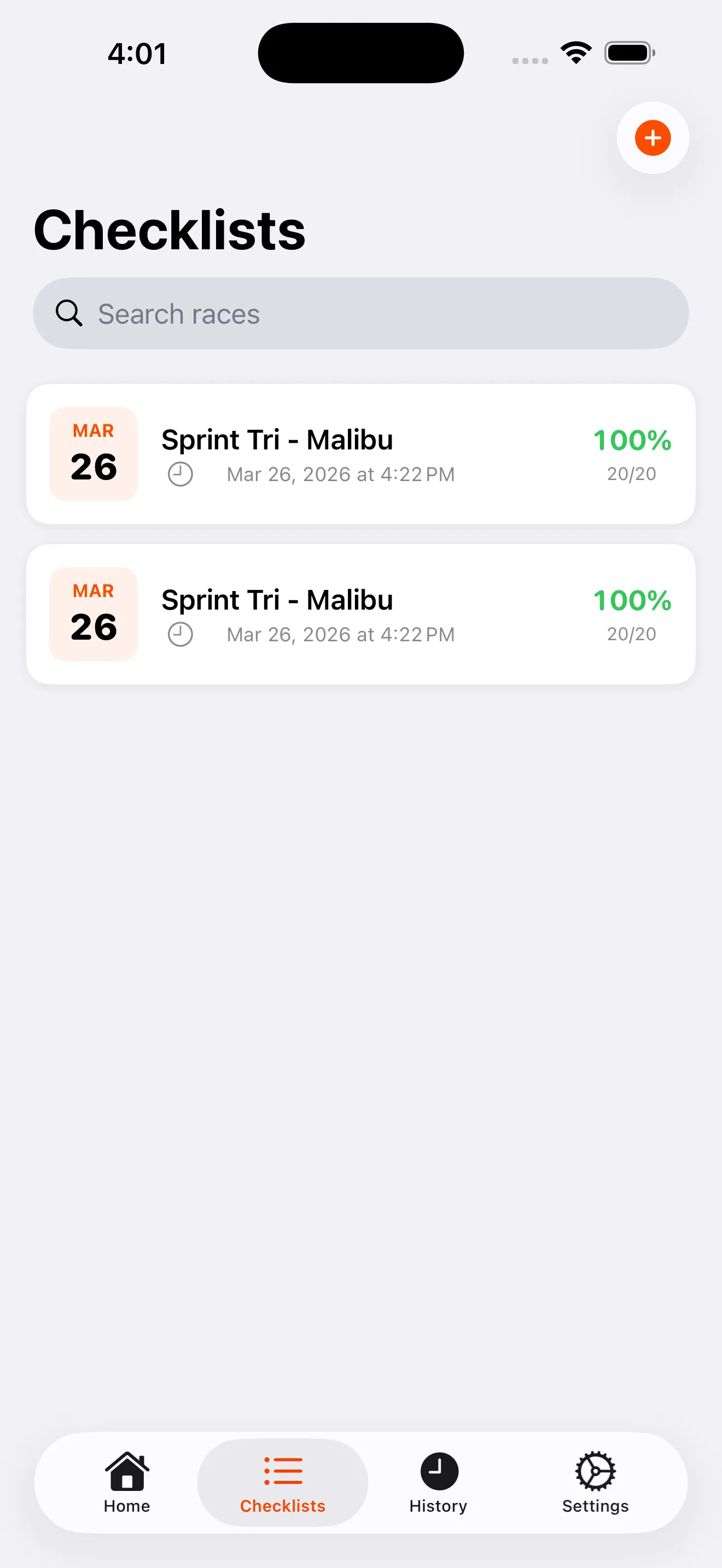
Checklists that know swim from bike from run.
Every checklist is grouped by discipline: swim, bike, run, and general. The app starts you with a smart default list so you are not building from a blank screen. Add the items your race needs, remove the ones it does not, and the list stays sorted in the order you actually pack: swim first, then bike, then run, then everything else.
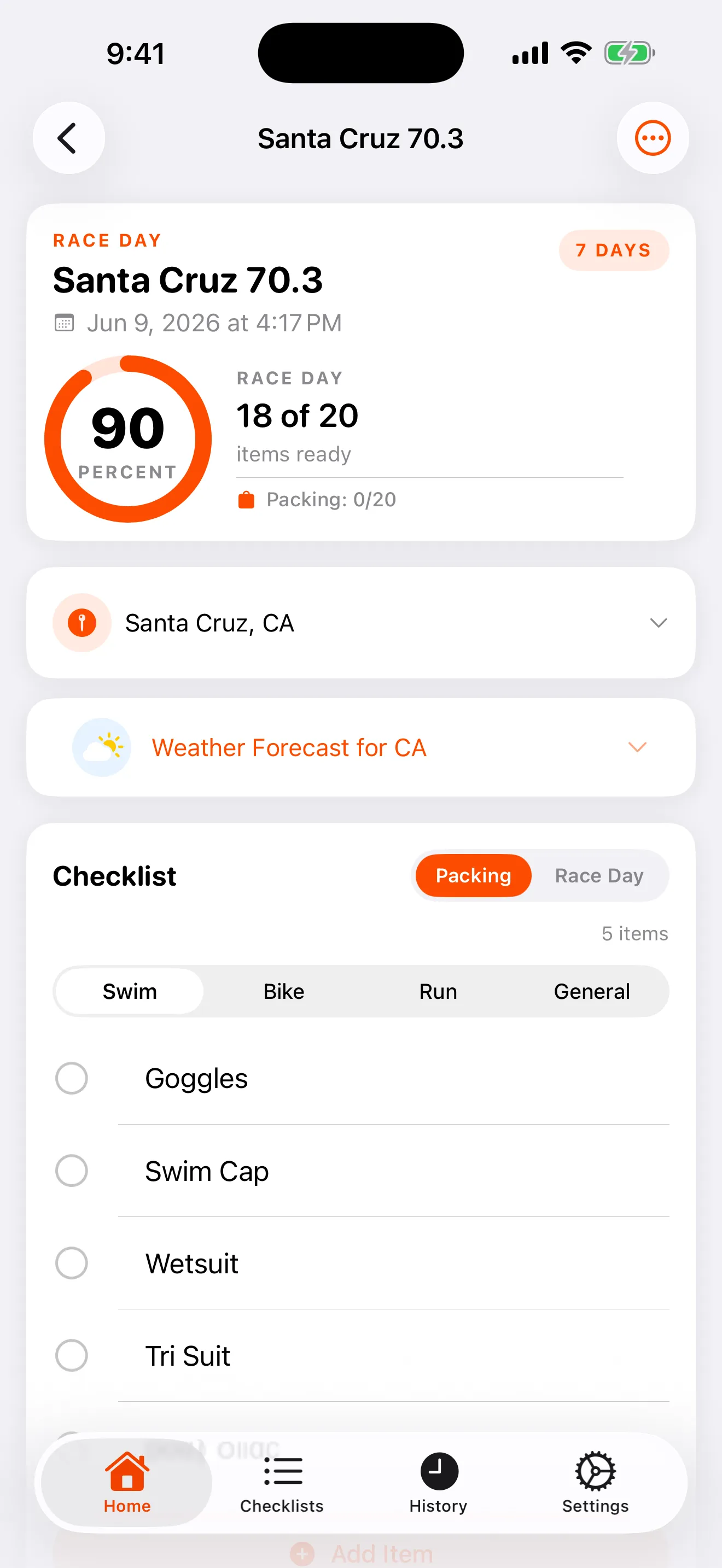
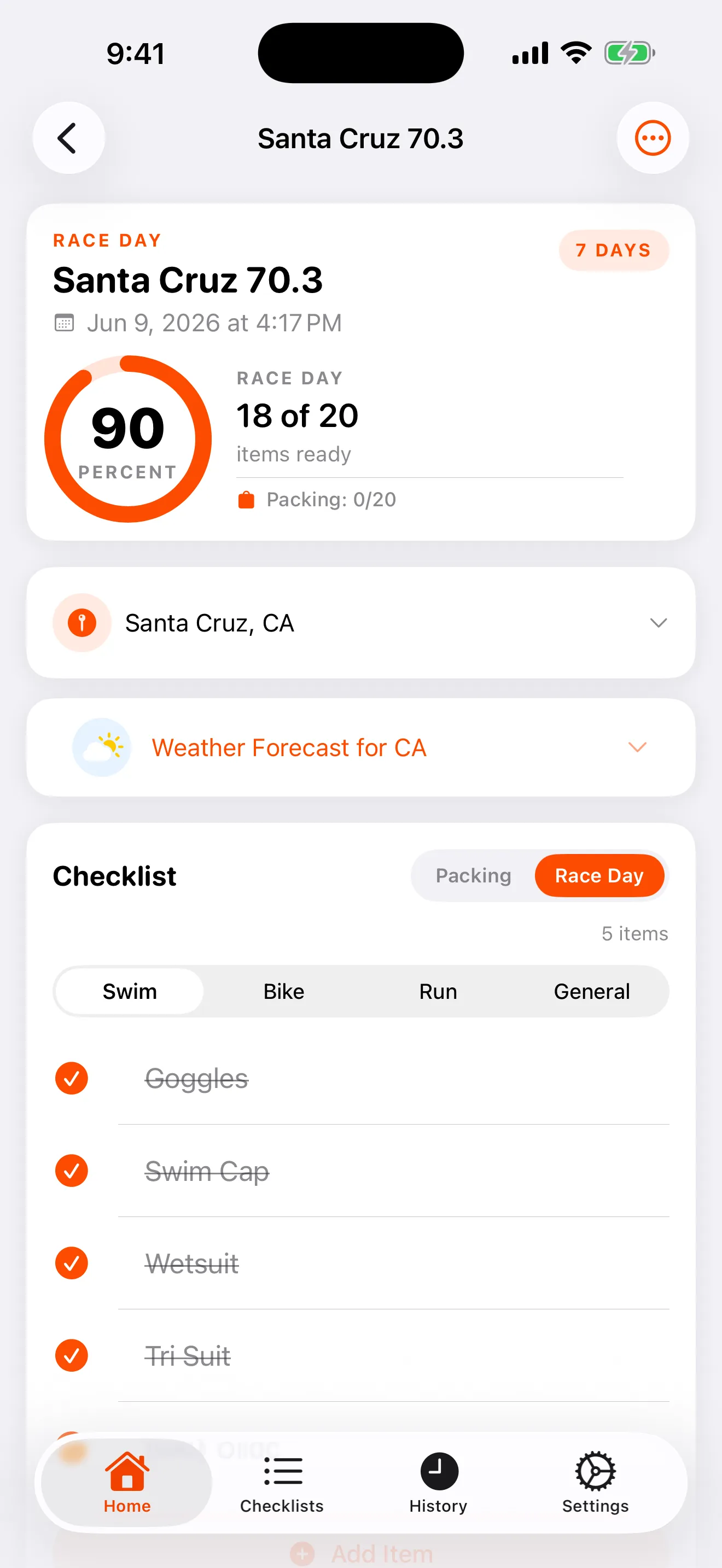
A list for the night before, a list for race morning.
Packing for a trip is a different job from staging your transition area. The app gives you a packing list and a race-day list for the same race, each with its own completion tracking. Check off your suitcase the night before without losing track of what still needs to go into transition at 5 a.m.
Nail the list once. Reuse it every season.
What you pack for a 70.3 is not what you pack for a sprint. A cold-water ocean swim is not a warm-river swim. A hot, dry race is not a cold, wet one. Build the right list for each of those once, save it as a template, and reuse it next year or for any similar race. Your proven setup becomes the starting point, not a blank page you rebuild every time.
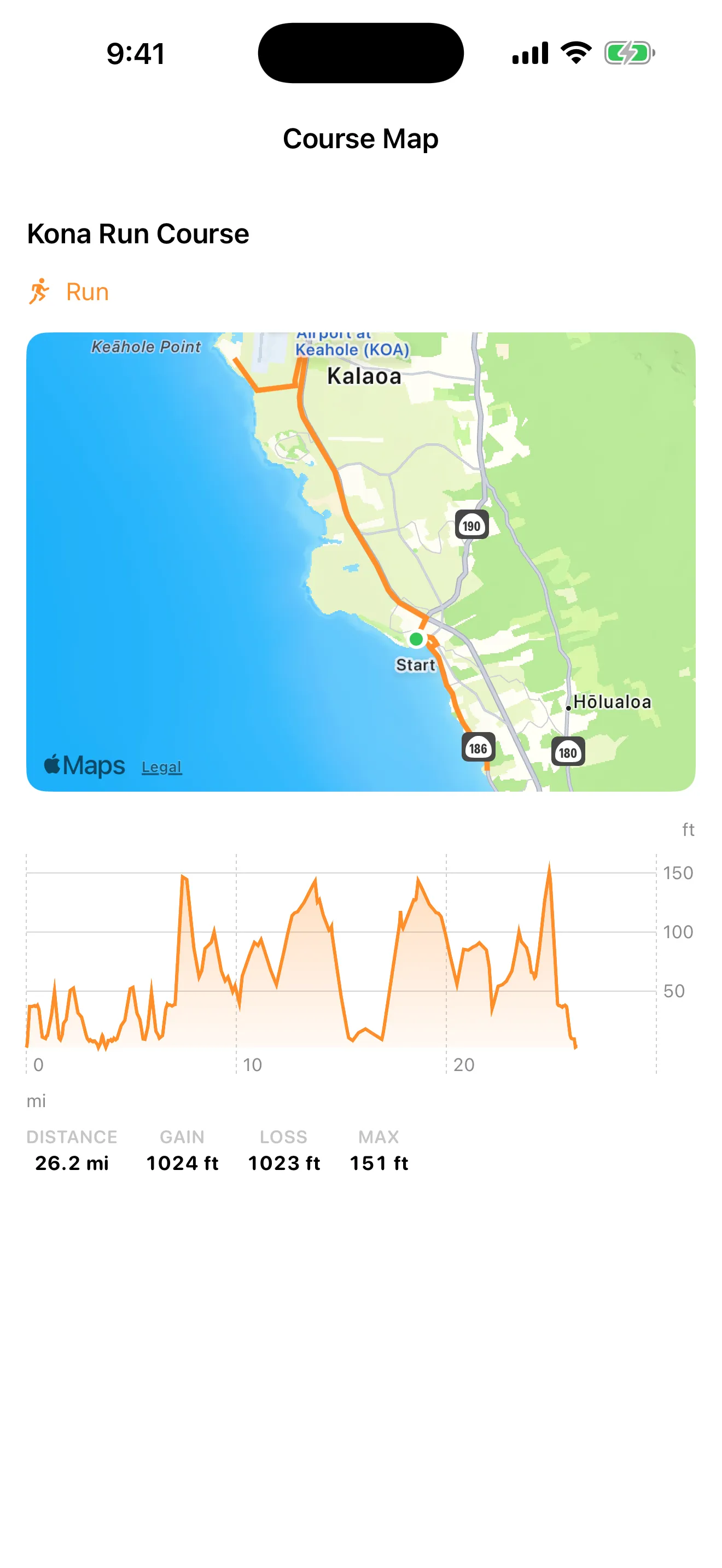
See the course before you get there.
Export a .gpx file from Garmin Connect, Strava, or the race organizer's page, and import it into the app. The swim, bike, and run segments draw on a map, color-coded by discipline, with elevation profiles and total gain and loss for each leg. You bring the file. The app does not ship pre-loaded courses, so you see exactly the route you are racing.
The forecast for where you are actually racing.
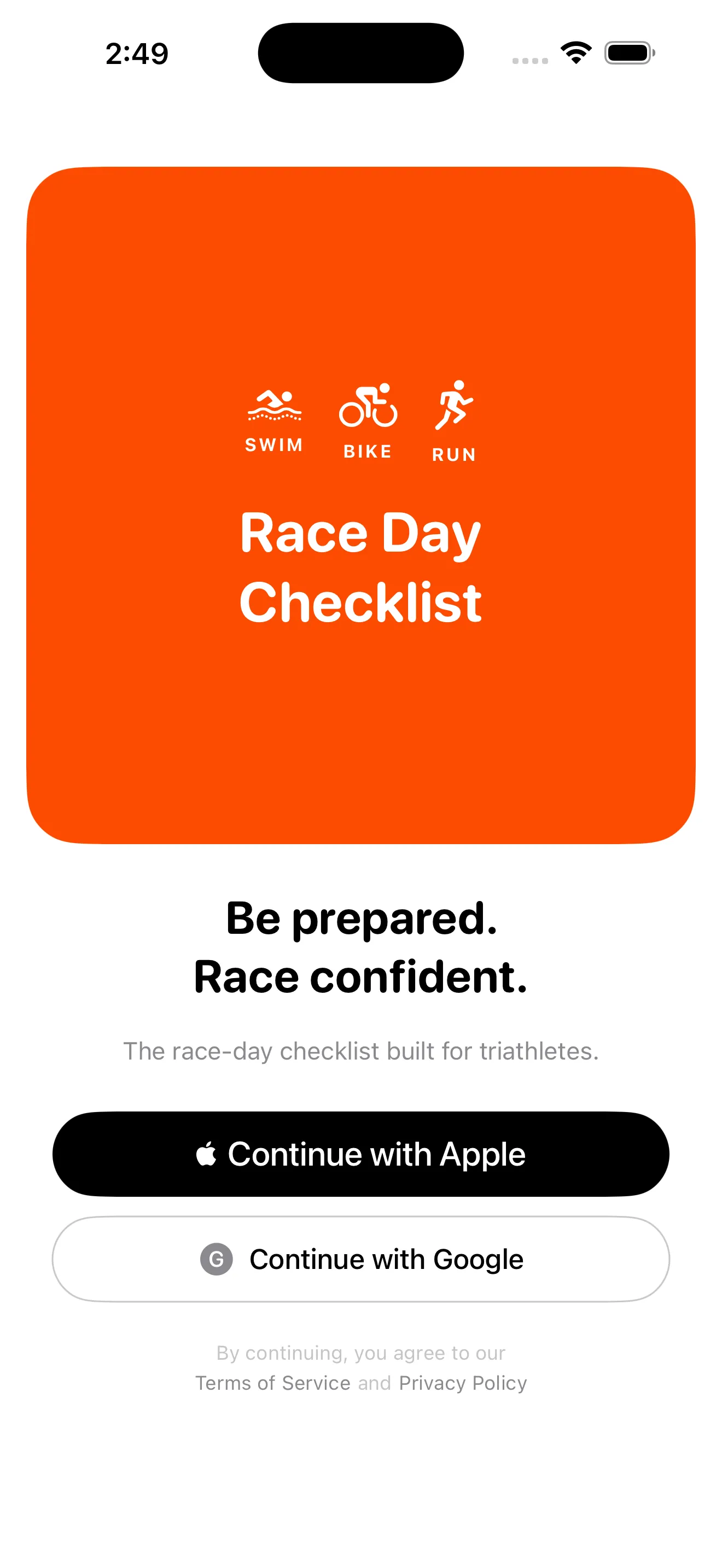
Set a location for your race and the app pulls a 5-day forecast plus current conditions for that venue. Switch between Celsius and Fahrenheit with a toggle. The forecast needs an internet connection, and the app sends only the venue's coordinates to get it. Weather data comes from Open-Meteo.
A logbook of every race you finish.
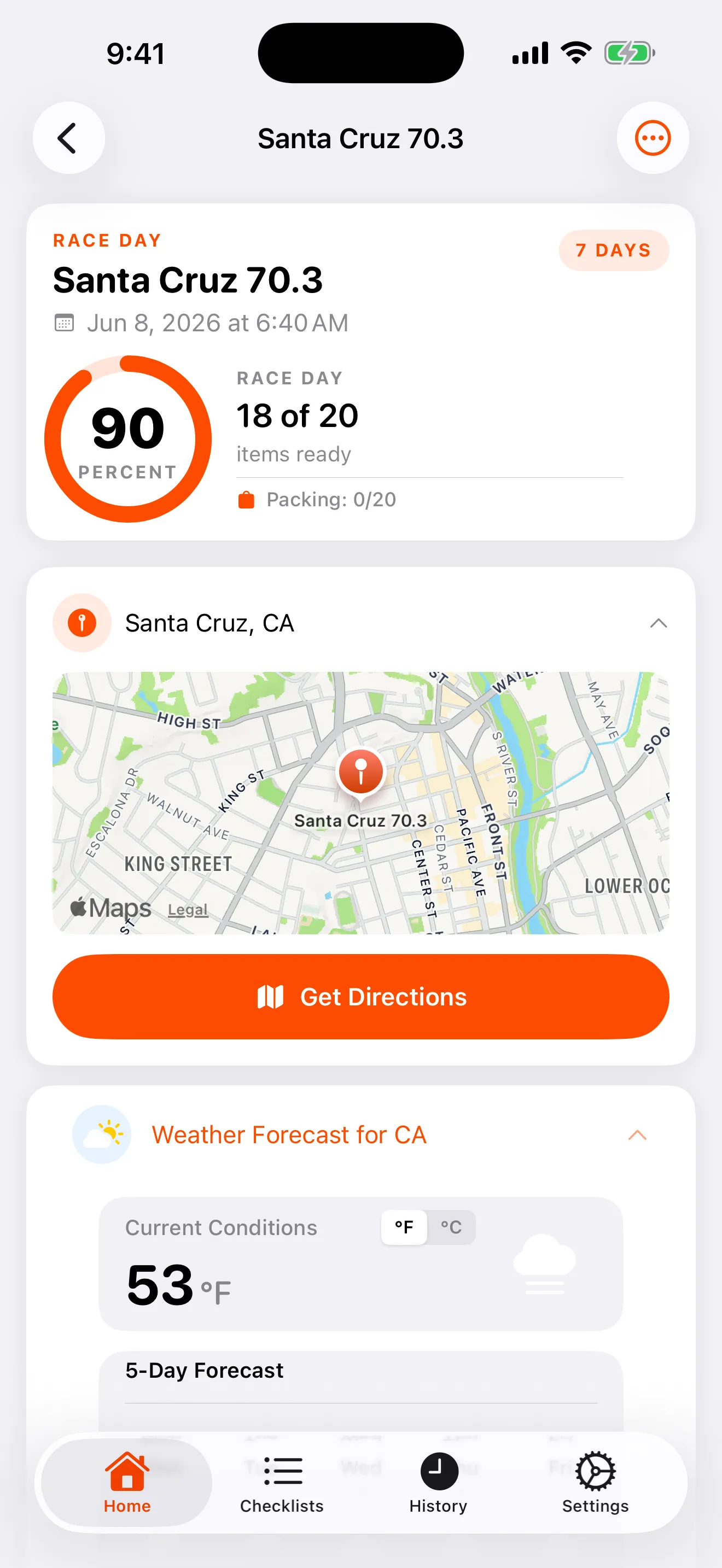
Log your finish time and each split: swim, T1, bike, T2, run, and total. Attach photos to the race. Over a season, your history turns into a record you can look back on, all stored on your phone.
Sign in with Apple or Google.
Use Sign in with Apple or Google to set up your account. Apple Sign-In users can hide their email. The account exists so your profile follows you. Your race data stays on your device either way.
The rest of the kit.
-
A nudge before the alarm you might sleep through.
Schedule a reminder for the night before or race morning. It arrives as a local notification on your device. No push servers, no account requirement, just a timely reminder.
-
Athlete guide, parking map, course photos, all on one screen.
Attach the athlete guide PDF, the parking map, course images, and your GPX files to a race, and open them inline. Everything for one event sits together and stays on your device.